

EC Flow logo

The simplest, fastest patient management system for emergency centres

checkmark icon
Reduce waiting times
checkmark icon
Improve doctor and nurse coordination
checkmark icon
Automate your reporting requirements
checkmark icon
Take advantage of an integrated digital patient record and AI scribe
Book a demo
Tablet showing EC Flow patient treatment dashboard with waiting and attended patient details and triage colors.
waiting room illustration
Lower patient waiting times and reduce complaints
medico-legal illustration
Reduce medico-legal risk
analytics illustration
Improve real-time unit management with live analytics
report illustration
Save time with automated reporting
paper process illustration
Save money by eliminating paper processes
integration illustration
Improve integration

Going paperless in your emergency unit starts here

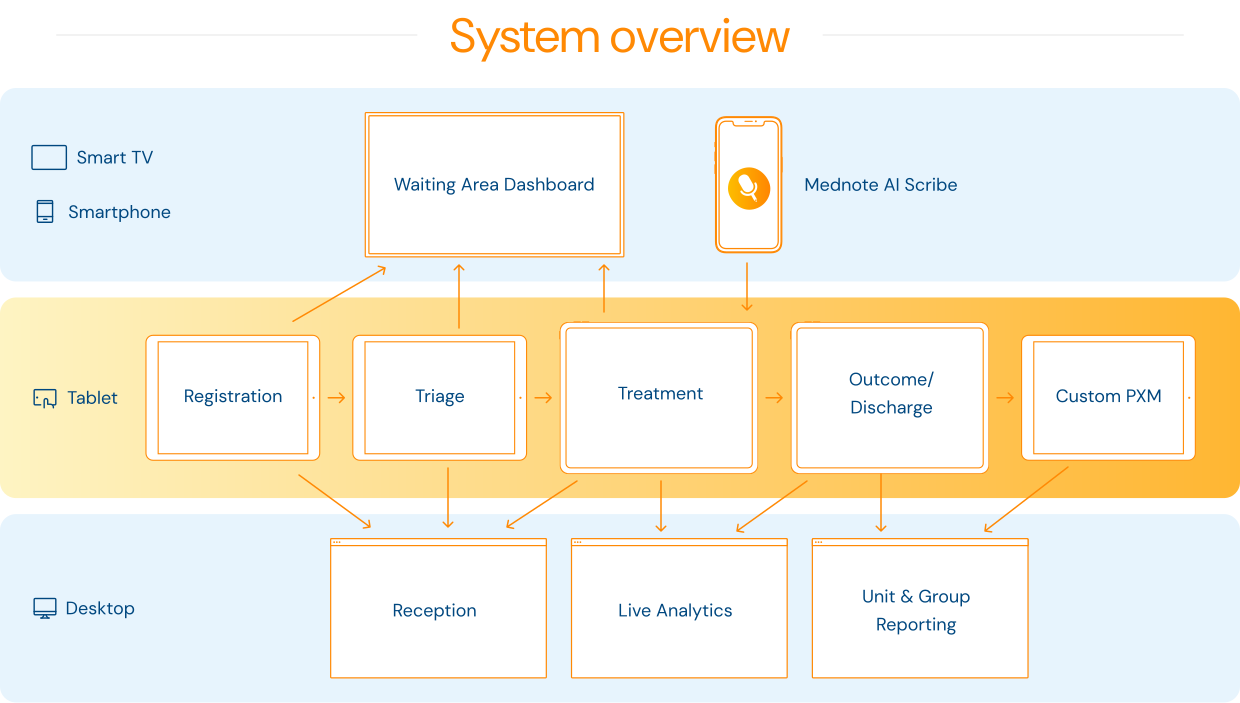
EC Flow is designed to manage the complete patient journey, linking both process and clinical data to improve automation and reduce the admin burden for doctors, nurses, and managers.
system diagram

Improving every aspect of emergency centre workflows

Smiling nurse in scrubs uses tablet with holographic display while talking to seated elderly patient.
1 / 12

Patient Registration

Capture and track every patient and their location from the moment they arrive with fixed, floating, and self-registration options.

Receptionist in scrubs assisting a smiling woman at a clinic reception desk.
2 / 12

Reception Dashboard

Give reception staff live visibility of all patients in the unit – including their triage colours, outcomes, and ICD10 codes – as well as automated admission summaries for funders.
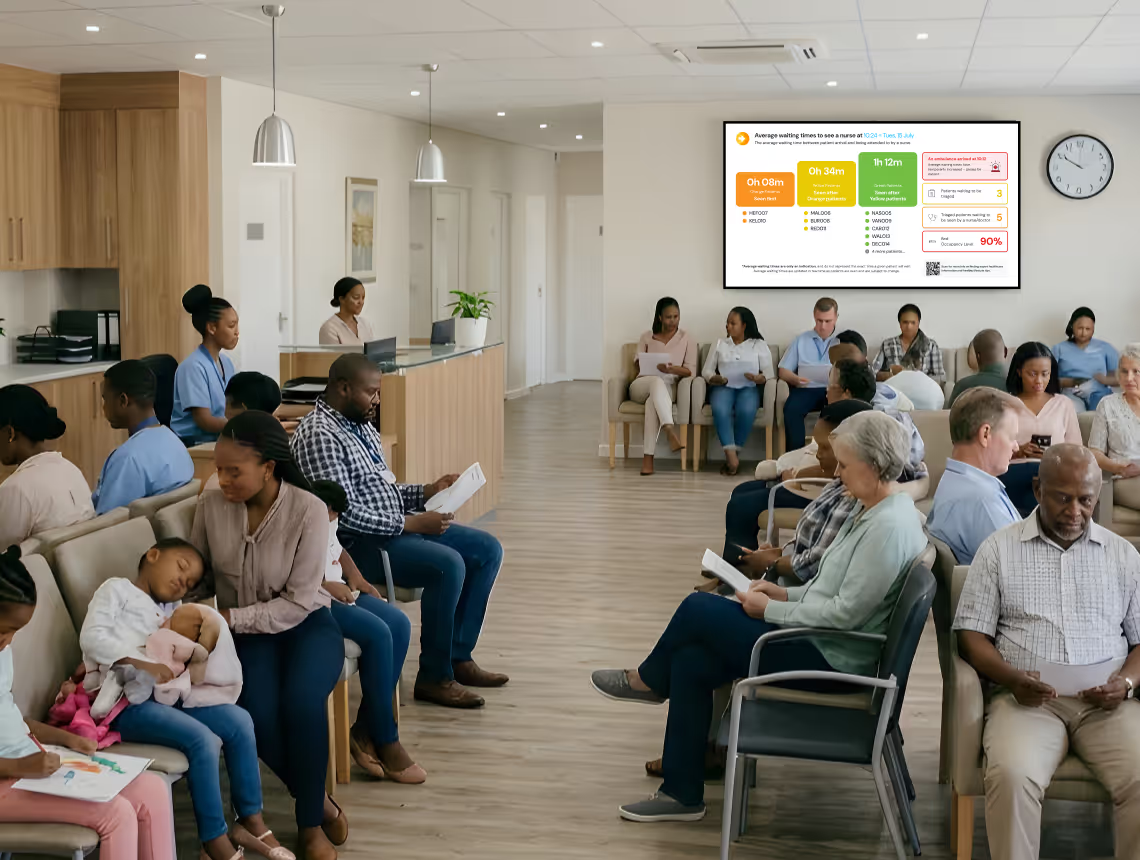
Diverse group of people seated in a medical waiting room, many reading or using phones.
3 / 12

Live Waiting Area Dashboard

Display live average waiting times by triage colour in the waiting area, with optional digital ticketing and a rotating information panel to improve patient communication and reduce complaints.
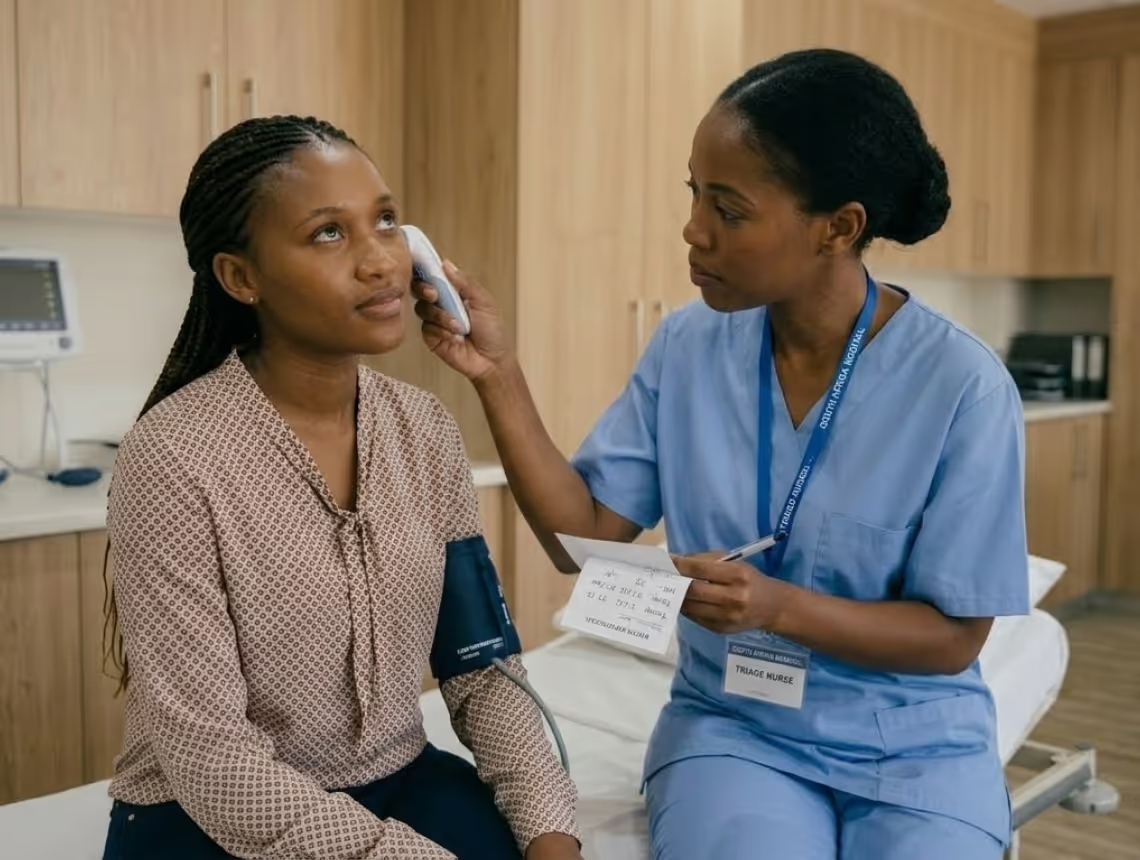
Nurse in blue scrubs checking temperature of a seated woman with blood pressure cuff in a medical room.
4 / 12

Triage Module

Automated triage calculation speeds up triage for nurses and reduces medico-legal risk.

Hospital room with patients in beds and medical staff attending to them amid large windows.
5 / 12

Treatment

Get a single, at-a-glance view of all the patients in the unit, how long they've been waiting, and what they're waiting for to help you improve efficiency.

Male doctor in white coat speaking into a smartphone in a hospital hallway.
6 / 12

AI Scribe

Get Mednote, an integrated AI scribe that adds doctors notes directly into the EC Flow patient record.

Female doctor in white coat using a tablet in a hospital corridor with medical staff in the background.
7 / 12

Completed Patients Register

A comprehensive, searchable register of completed emergency department patients with easy access to patient files and journey timelines.
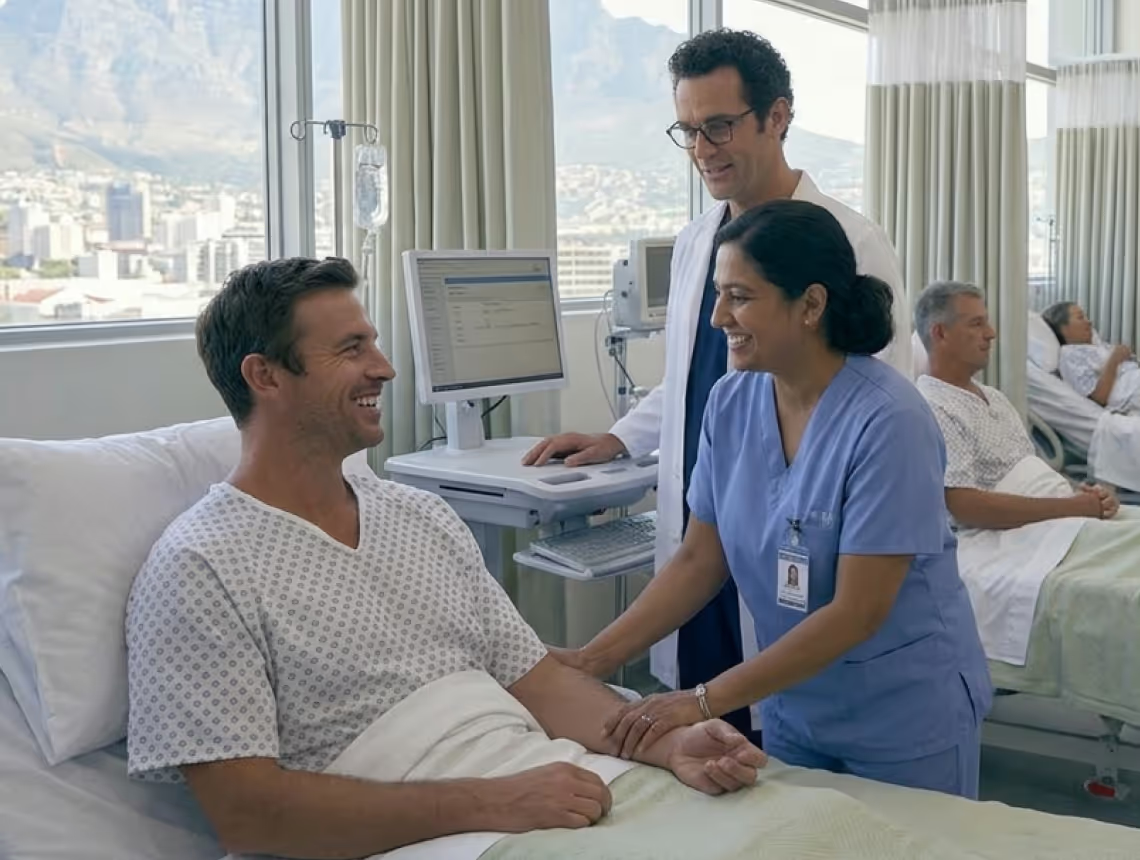
Smiling nurse in blue scrubs holding patient's arm while doctor checks computer in hospital room.
8 / 12

PXM Scoring

Integrated patient experience scoring at the point of care helps you get more – and more accurate – ratings. A PXM tablet in the reception area as well as bedside PXM on a floating tablet help you capture more ratings for a wider acuity range, with each rating linked to the treating clinician.
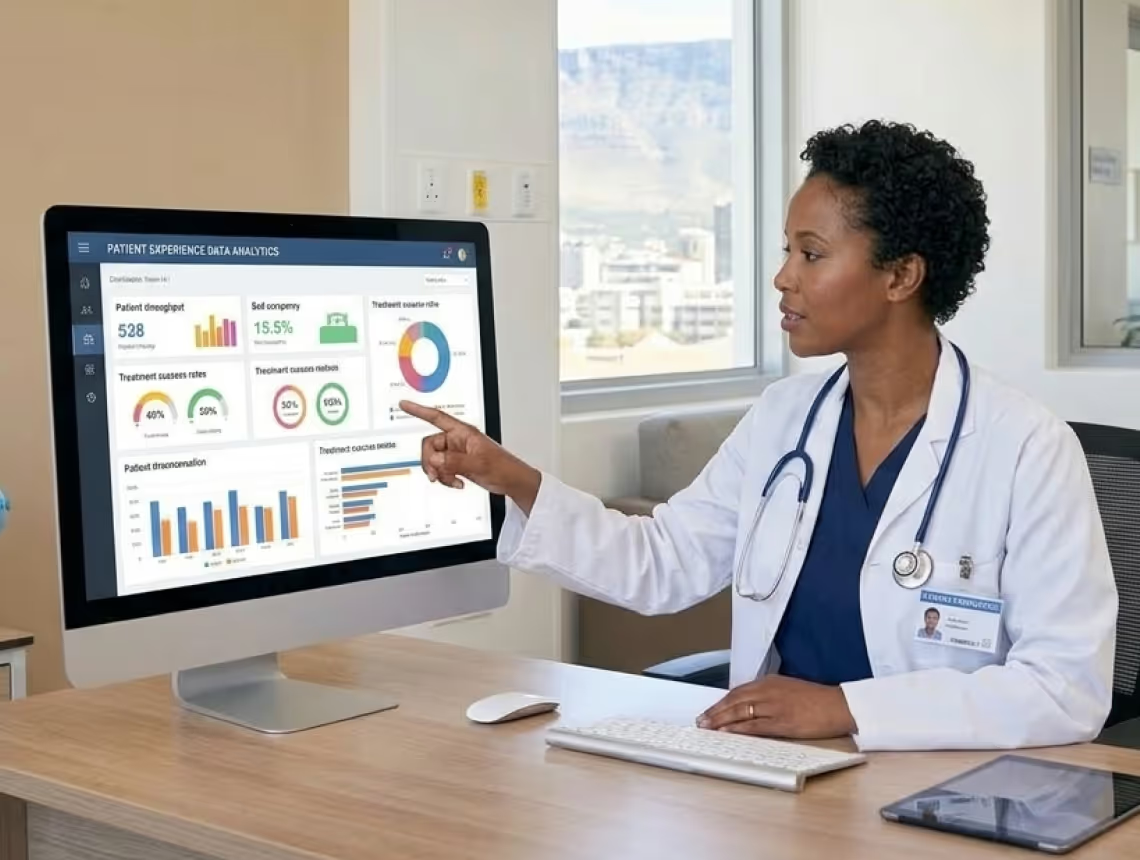
A female doctor pointing at patient data analytics on a computer screen in a medical office.
9 / 12

Live Analytics

Start using a data-driven approach and make real-time resourcing decisions with live data visualisations of your emergency unit.
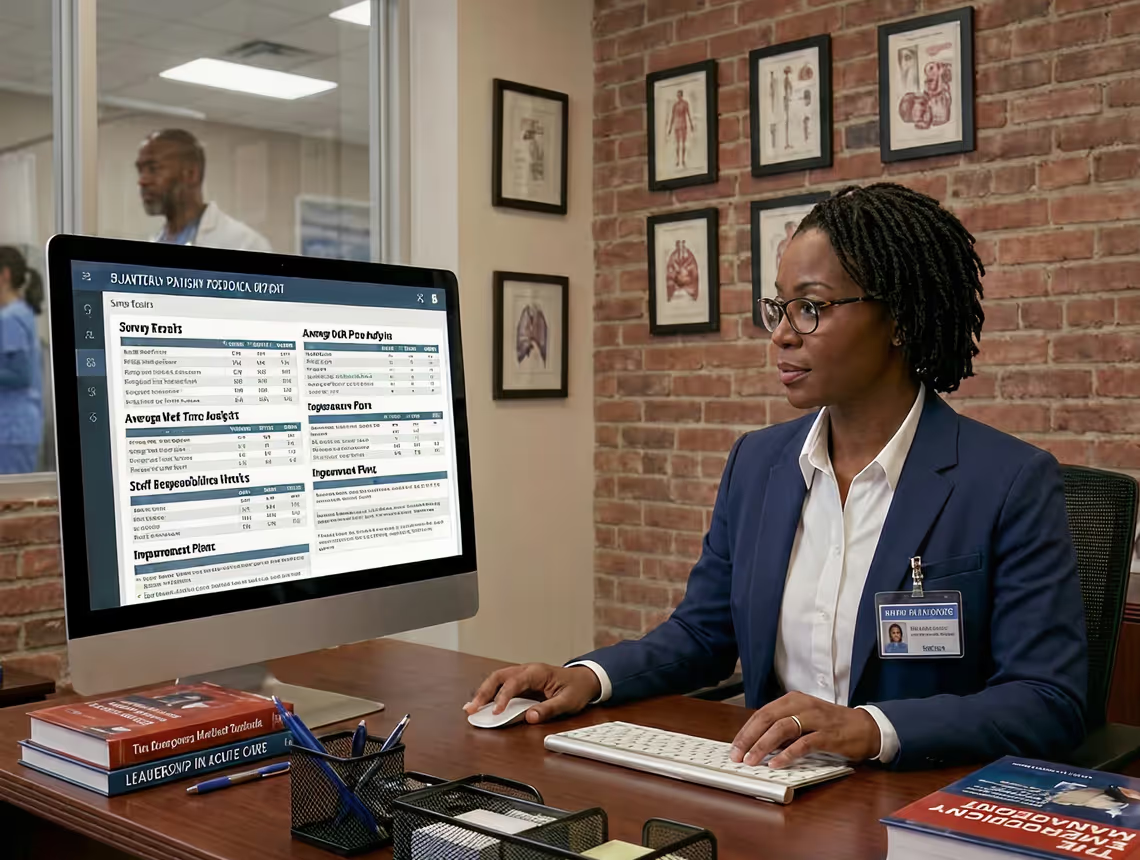
Woman in glasses and business suit working at desk with computer showing unit report dashboard.
10 / 12

Unit Reports

Automated reporting custom-designed for individual roles. No more manual data collation, all your EC reports are just a click away.
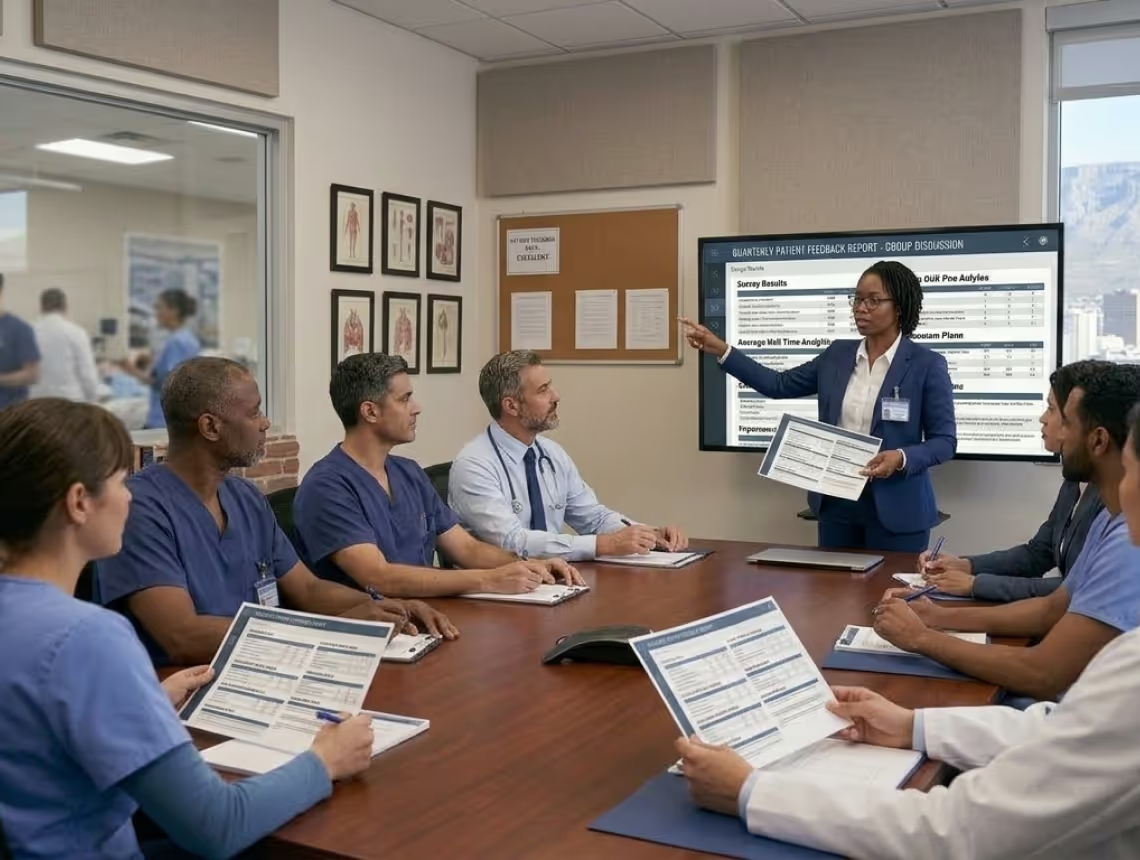
Medical team in scrubs attending a meeting with a presenter showing patient feedback reports.
11 / 12

Group Reports

If you're part of a healthcare group, get group reports that help you compare individual hospitals and clinics, national regions, and international geographies across key metrics with like-for-like data.

Male doctor in white coat and stethoscope using a tablet in a busy hospital ward with staff and patients.
12 / 12

Unit Customisation

Onboarding a locum at short notice? Our Settings Module makes it easy. It's designed to maximise product customisation at the unit level, giving power to unit managers and minimising support queries.

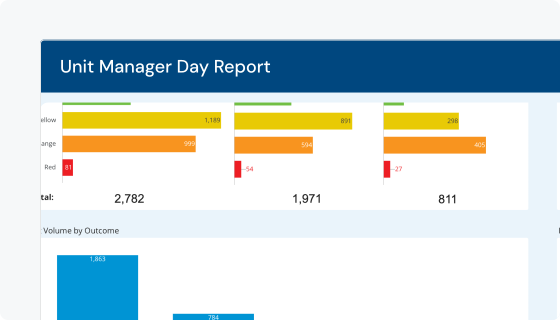
Automated reports for managers

Save days of time every month and get the report you need with just one click.
Unit manager report

Unit Reports

checkmark icon
Patient volumes, waiting times, Unit Manager reports, doctors' practice reports, individual clinician statistics and more
checkmark icon
Customisable reports by role, from ward clerk to hospital manager
checkmark icon
Longitudinal charts so you can see patterns in your unit's performance
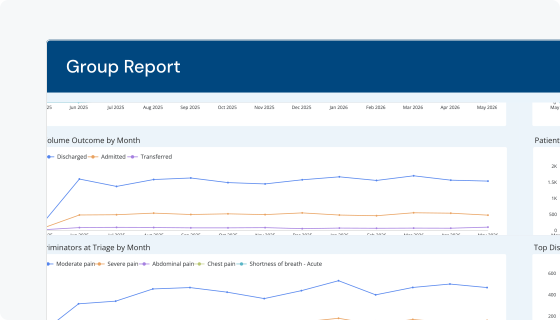
group report

Group Reports

checkmark icon
Compare key metrics across emergency units
checkmark icon
Compare units with each other and see what's driving disparities

Frequently Asked Questions

How are hospitals or doctors' practices charged for EC Flow?

Is there a limit on the number of users or devices?

Does EC Flow work on tablets or desktops?

Can EC Flow integrate with my existing systems?

How do I access/ view the data?

I don't see a feature I need, how do new features and improvements work and will they cost more?

What if I need customisation or theres a new feature I really want?

Learn more about how we work with healthcare groups and hospital systems

Find out how we're helping healthcare groups, hospitals, clinicians boost efficiency and simplify their working lives in ways that lead to better patient care.
Book a demo
Unify health logo
©2026 Unify Analytics (Pty) Ltd t/a Unify Health
linkedin logo